TL;DL Get Started with the Mesh
Are you...
- Curious how to get on the mesh?
- A mesh-expert wanting to contribute your skills to growing the network?
- A tech enthusiast looking to connect with other people to build something that can scale?
- An emergency preparedness afficionado who is looking for communication pathways if our cellular/internet systems fail?
Let us help you! What are you looking for?
- I want a radio - radios come in two flavours: personal bluetooth 'companion', and 'repeaters' which connect the mesh together(aka 'nodes' in the mesh). Learn more with Mesh 101.
- I need a companion (don't we all though!) - a companion is your mesh identity object; the device that uses bluetooth to connect with your nearest repeater. It holds your public/private key which identifies you as an individual. Odds are good you have a repeater within earshot. Choose your flavour of companion.
- I want to seed the network, I need a repeater - you will want to find a place with good LOS (line of sight), the higher the better, with the fewer obstacles around. Trees are not as bad as concrete buildings, but they're still bad. Your balcony will do, if that's all you have, it's still good! Choose your repeater style.
- I have a roof - you could host a repeater! Learn: How to install and maintain a repeater.
- I need community - join the project's Signal Group: DWebYVR Mesh Curious.
- I have community, we want radios - Create a group buy! See tips to host your own group buy.
Welcome to Mesh Curious
Welcome to the Mesh Curious project of DWebYVR and friends! This is an evolving initiative for folks working in the region to build a robust mesh communication network. This is not mesh wifi, but a LoRa ("long-range") comms network that uses radio signals to send messages between companion devices.
What's the appeal? These systems provide an alternate channel to communicate if our cell phone signals get interrupted. They're fun to play around with, you may develop a closer relationship with your neighbourhood and the land you tread upon, and they create community.
Our network began with the Meshtastic software stack and has transitioned mostly to MeshCore.
Already have a companion radio? The mesh network that the group runs is called Salish Mesh. You can connect into via the MeshCore hashtag channel #salishmesh. Other local channels we populate are #dwebyvr and #zspace.
Jacob Sayles from Cascadia Design is the lead on the project and your source for event proposals and technical questions, with Emily McGill of Living Systems Network supporting in the backend, and an extended network of afficionados and enthusiasts making the magic happen.
Drop by the DWeb Discord or Signal channel to get involved.
MeshCore
MeshCore is a multi platform system for enabling secure text based communications utilising LoRa radio hardware. It can be used for Off-Grid Communication, Emergency Response & Disaster Recovery, Outdoor Activities, Tactical Security including law enforcement, private security and also IoT sensor networks. Watch the videos below by one of our founders Andy to learn more!

Tips to Host Your Own Group Buy
We've successfully hosted two "group buys" for our community. The model we've gone with both gets more people meshing and extends the network. The idea behind it is asking folks to pool funds to buy their own companions while also kicking in a little extra to fund a repeater that will extend the network. Financially this has been feasible within our community when you have about 10 people contributing, to split the cost of the repeater.
Here are some general steps to follow for a group buy to kick-start or extend an existing mesh network:
- First, have some idea what you're doing. Make sure you've got someone who can install and maintain a repeater - maybe that's you!
- Make a plan for the buy
- Establish the price per person (total of 1 companion + 1/10 repeater cost). Account for shipping and handling.
- Set up a way to manage funds - e.g., etransfer to the central purchaser who's running the group buy.
- Put out the call, receive and manage funds
- Buy the equipment; e.g. 10 companions, 1 repeater + accoutrements to install it
- Distribute equipment
- Set up the repeater
- Host a gathering to set up companions / just socialize and celebrate!
Timeline
May 2025: Inaugural Group Buy
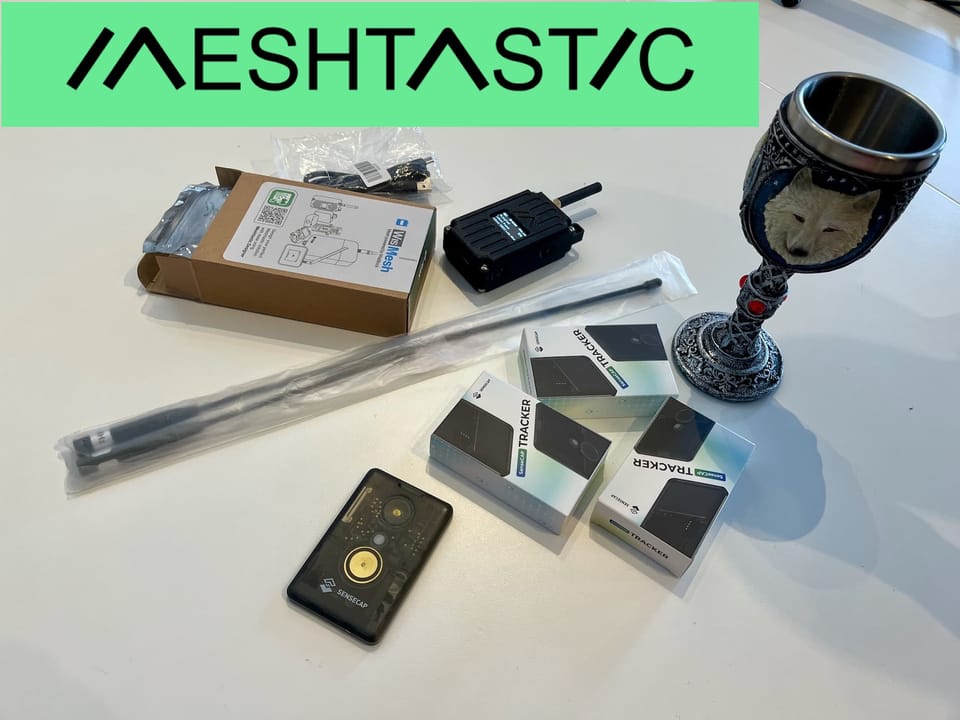
We coordinated a group purchase of Meshtastic devices in May of 2025:
 Boris Mann
July 11, 2025: Device Pickup & Setup at Z-Space
We then met up in July at Z-Space and learned and setup our devices together.


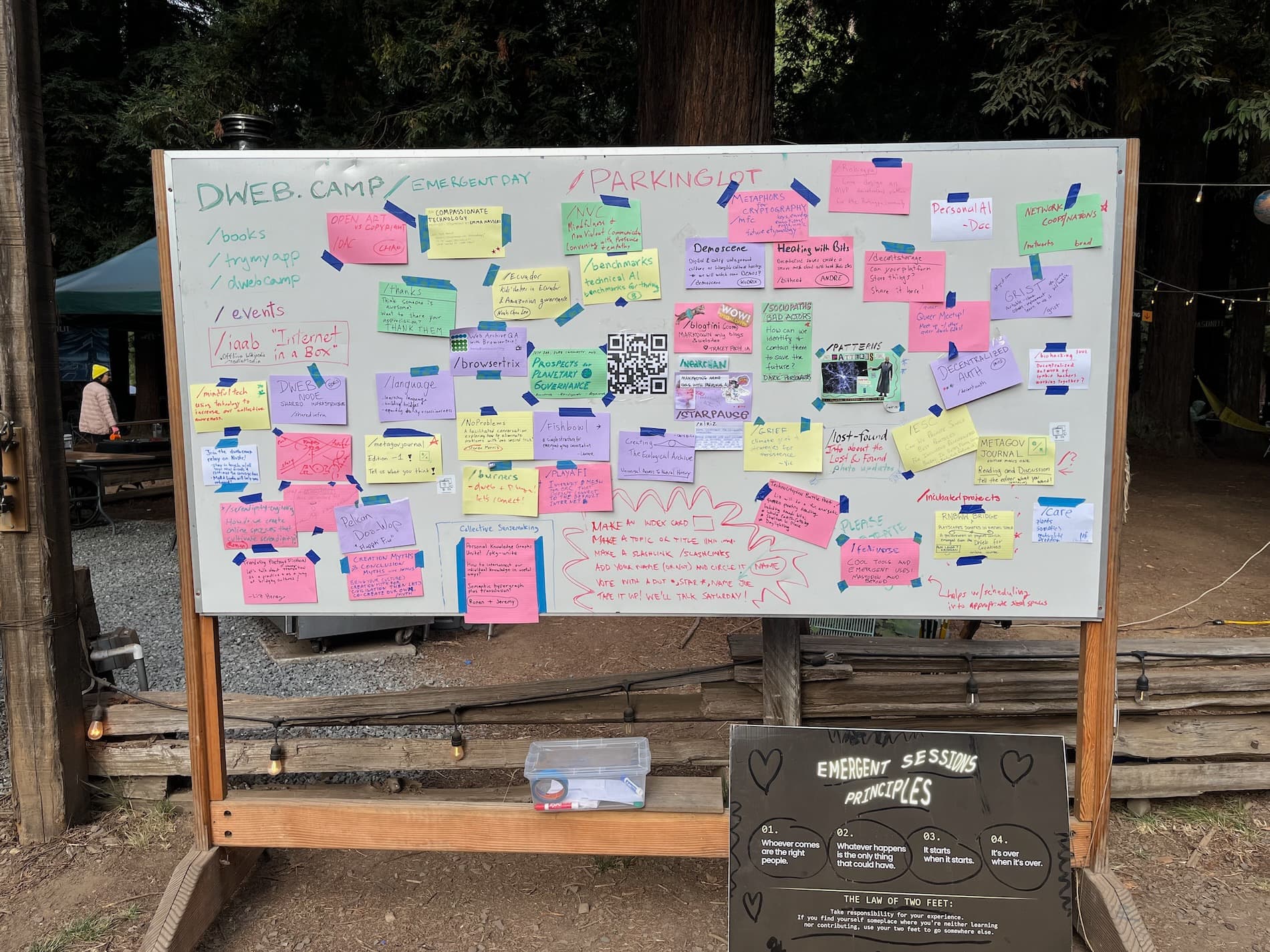
Aug 9, 2025: Meshtastic Demo at DWeb Camp Cascadia
As well as the camp wifi, Jacob demo'd meshtastic and lots of folks brought devices along and experimented.
 Yas Etessam